Mobile app
Command Pro
An app with millions of active users for managing cellular trail cameras, including Bluetooth LE configuration of field devices.
- Company
- Orion Innovation
- Timeline
- 2025 – 2026
- Stack
- Flutter
- Dart
- BLoC / Cubit
- Kotlin
- Platform channels
- Bluetooth LE
- Codemagic
Overview
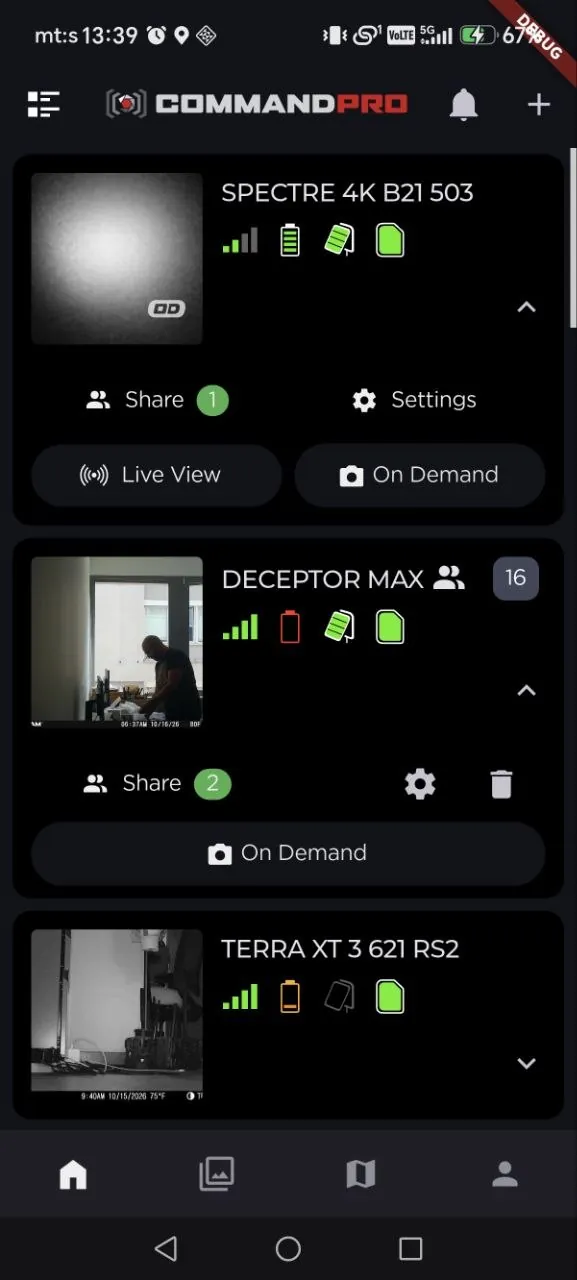
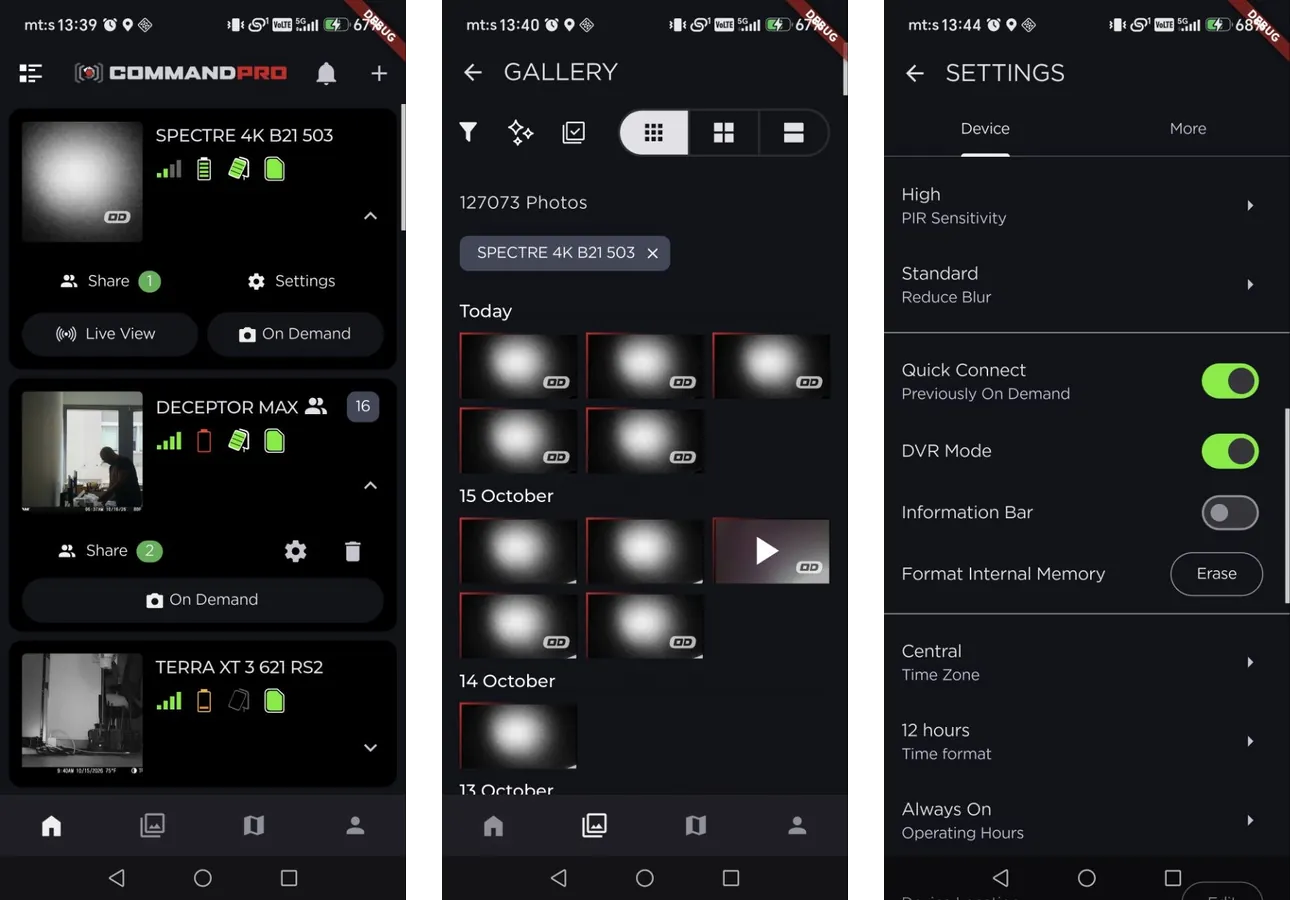
Command Pro is a Flutter application with millions of active users in the wildlife and property monitoring domain. Owners of cellular trail cameras use it to set up and manage their cameras, browse and filter the photos and videos they capture, request on-demand media and watch live view. It also configures field devices such as cameras, weather stations and feeders.
My role
Flutter Engineer at Orion Innovation, building and scaling features in a large multi-module codebase.
The challenge
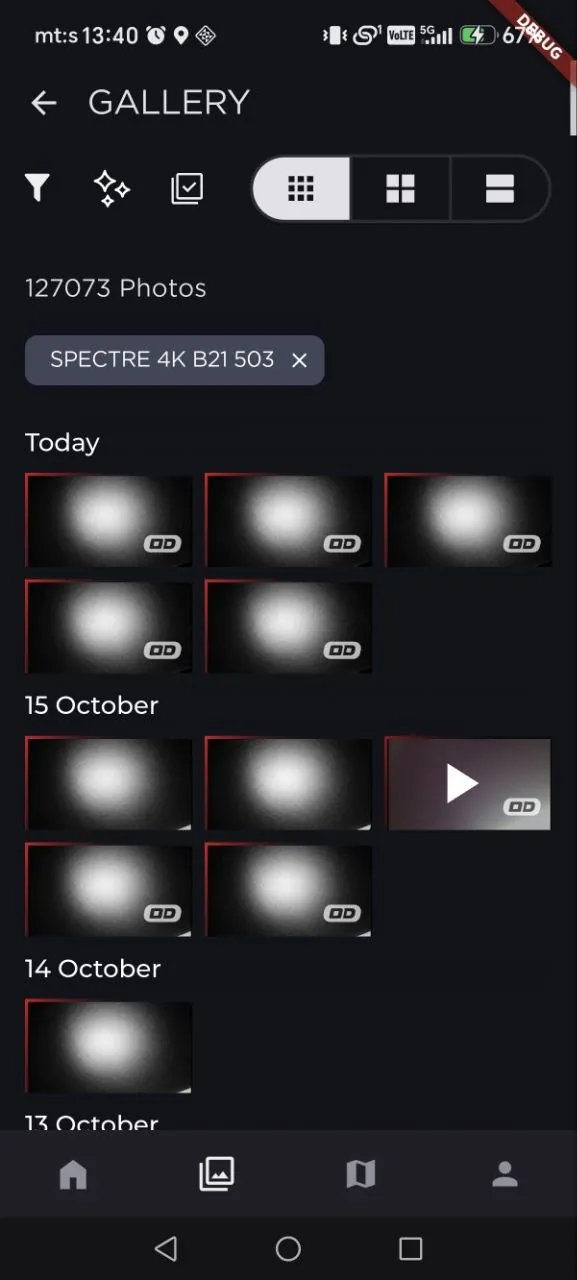
Media feeds are asset-heavy: a single account can hold well over a hundred thousand photos and videos. Scrolling through them caused frame drops.
The solution
I engineered a media gallery system for images and video with lazy loading, custom caching and fullscreen rendering, which resolved the frame drops in asset-heavy feeds.
Architecture & implementation
- BLE/IoT device configuration flows implemented via Kotlin platform channels.
- Media gallery with lazy loading and a custom caching layer.
- Maintained the Codemagic CI/CD pipeline across a multi-module project, improving build stability.
Key features
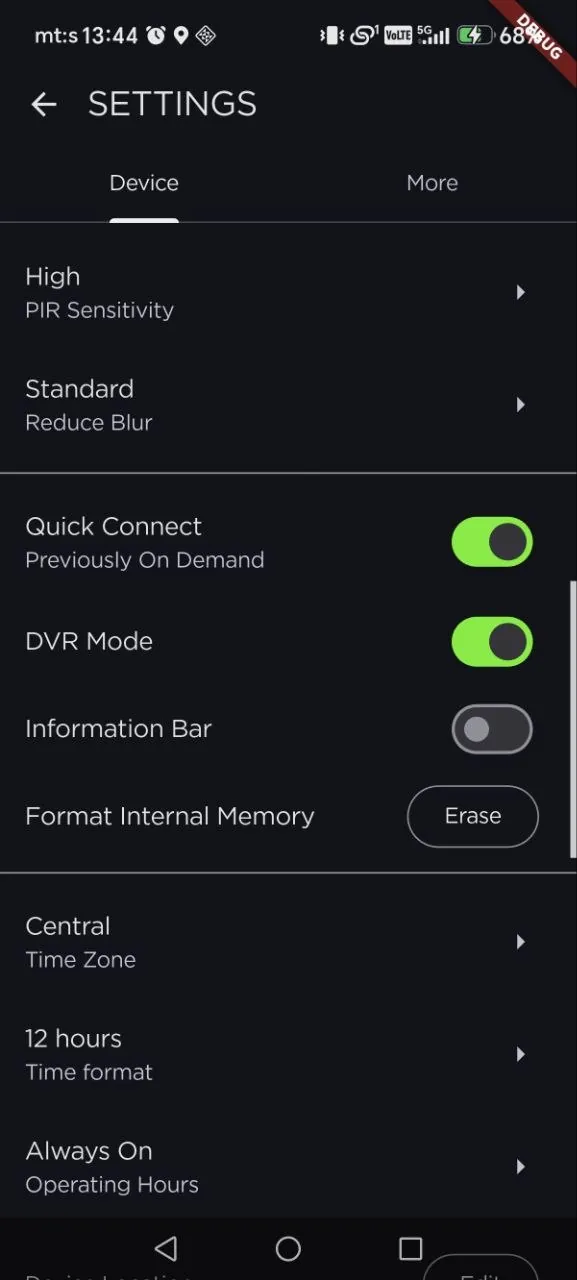
- Configuration of cameras, weather stations and feeders over Bluetooth LE
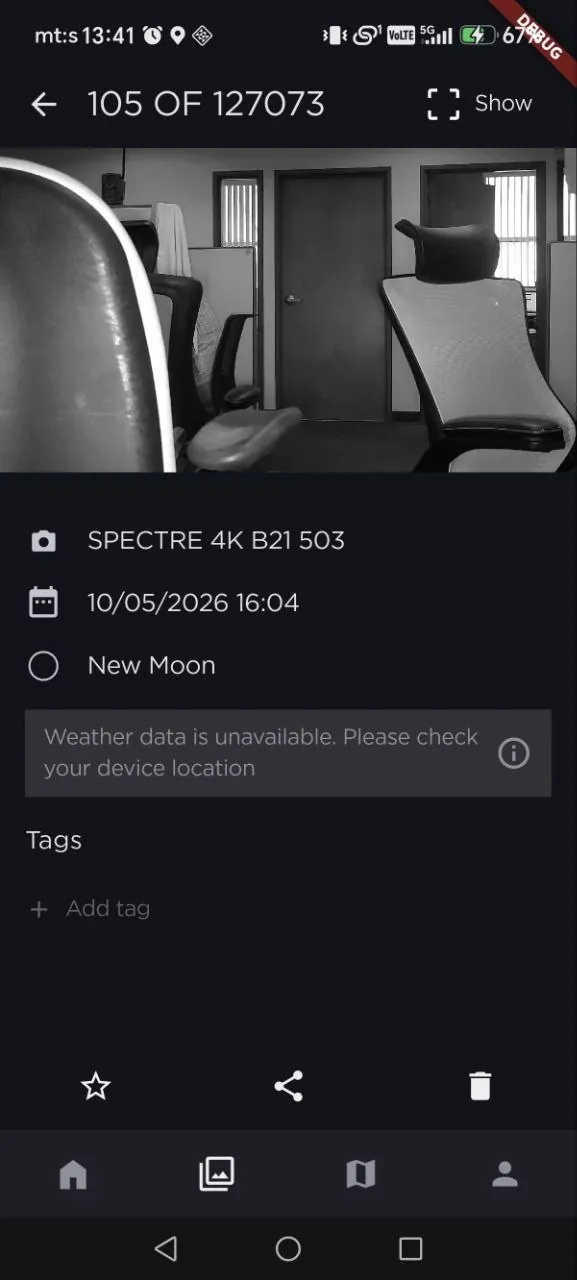
- Image and video gallery with fullscreen viewing
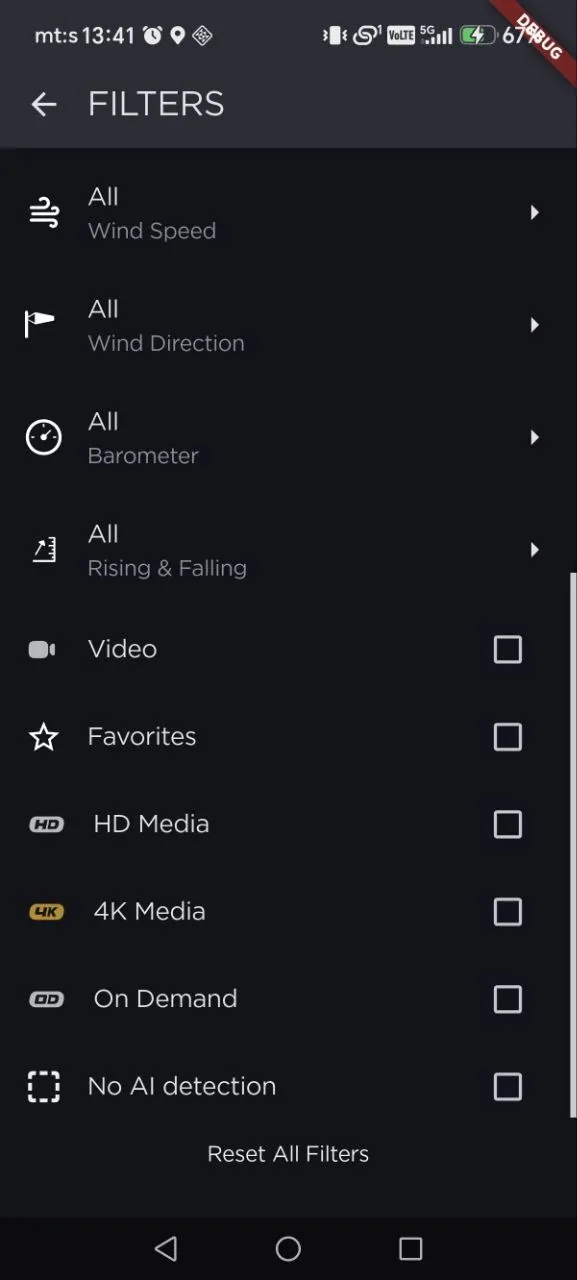
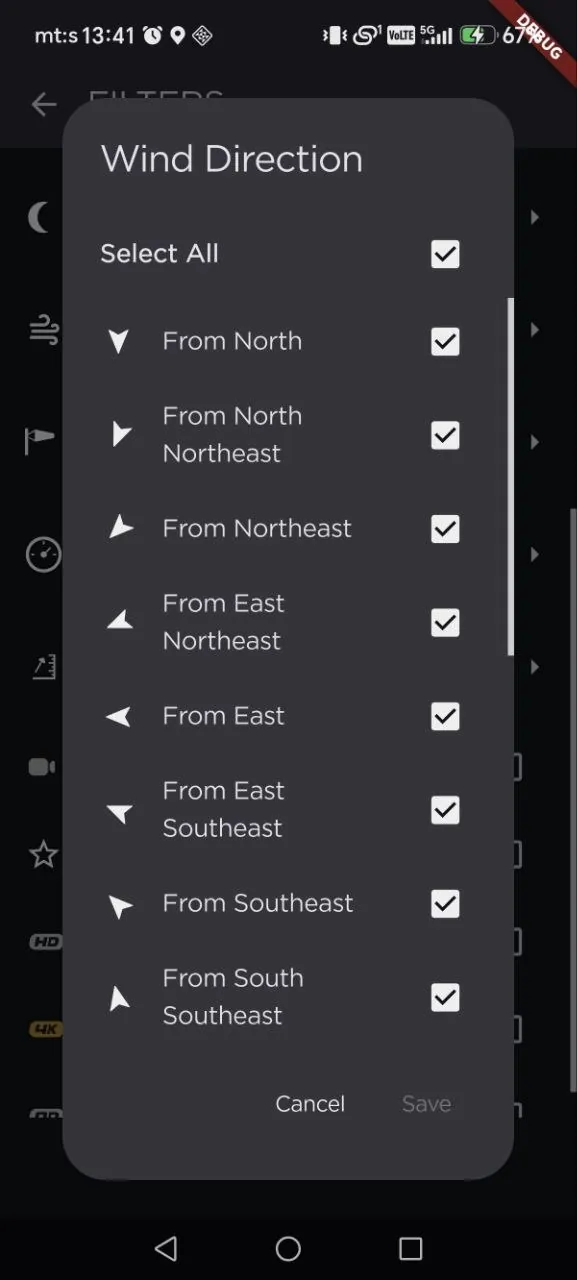
- Media filters for weather, moon phase, media type and AI detection
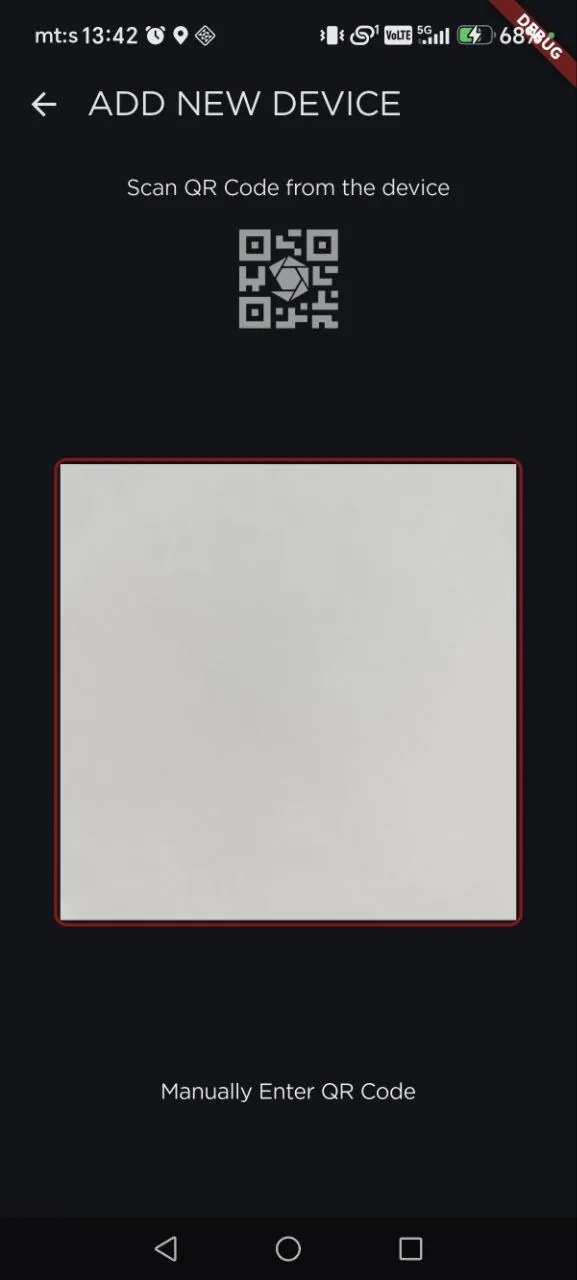
- Device onboarding by QR code
Screenshots